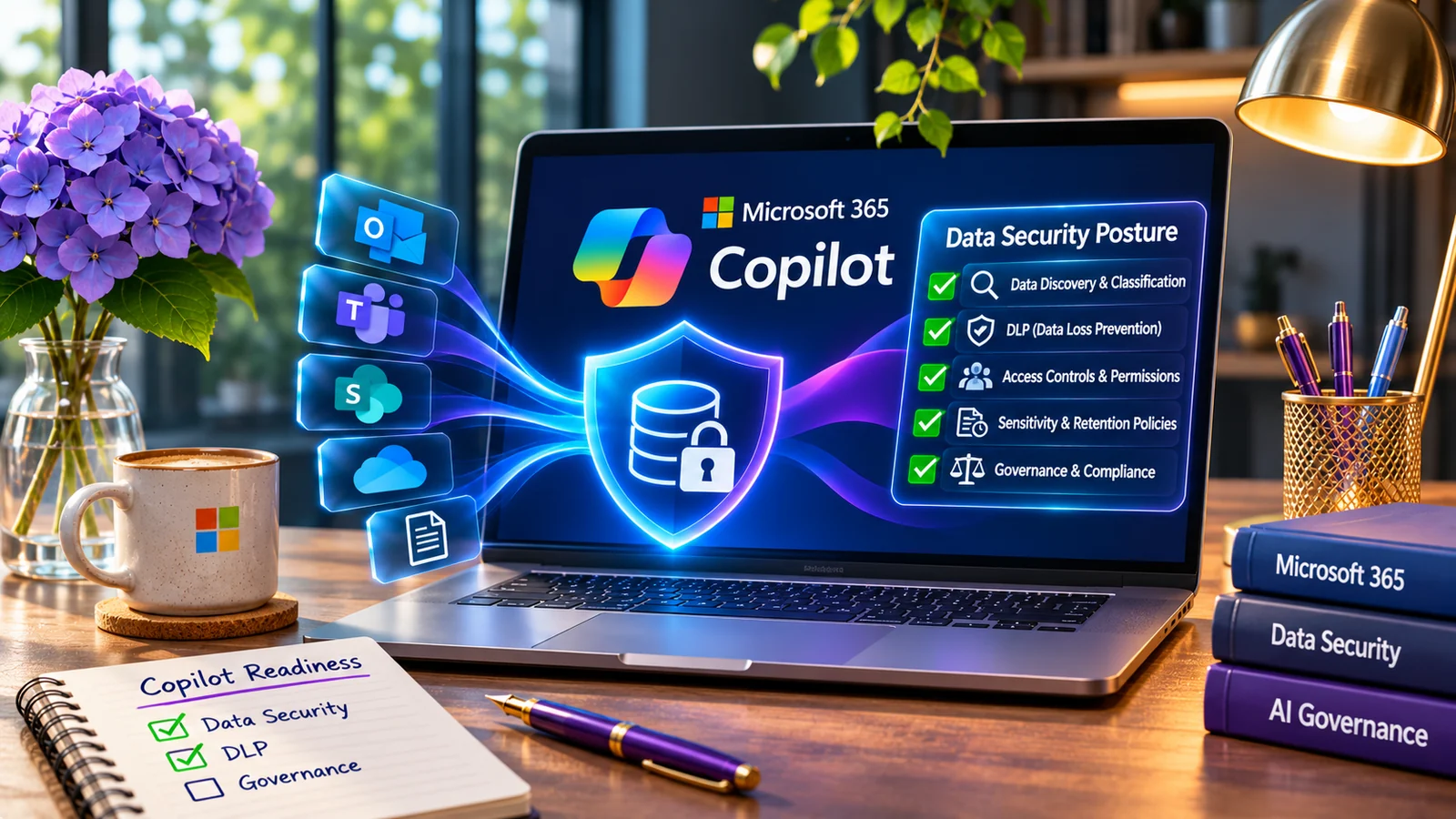
Microsoft Purview Data Loss Prevention can identify sensitive information and apply controls across Microsoft 365 services, endpoints, applications, and other supported locations.
But enabling DLP is relatively easy.
Operating DLP well is harder.
Many unsuccessful deployments do not fail because the technology cannot detect sensitive data. They fail because policies are implemented without enough understanding of business workflows, data context, exceptions, user behavior, and operational ownership.
Here are seven common mistakes.
1. Starting with the policy instead of the business risk
A DLP project should not begin with:
“Which Microsoft template should we enable?”
Start instead with:
“What are we trying to stop?”
Examples may include:
- employees emailing customer records externally;
- source code being uploaded to unsanctioned services;
- confidential deal documents leaving legal-approved locations;
- regulated data being copied to removable media;
- sensitive files being uploaded to personal cloud storage.
The business scenario should determine the control.
Not the other way around.
A well-designed use case should define:
- sensitive data involved;
- users in scope;
- approved destinations;
- risky destinations;
- expected user behavior;
- enforcement action;
- exception process;
- investigation owner.
That makes the eventual DLP rule much easier to defend and operate.
2. Treating every sensitive-information match as equally risky
A Social Security number appearing in one document does not always represent the same risk as hundreds of validated records leaving the organization.
Context matters.
Microsoft Purview DLP can evaluate content using sensitive information types, classifiers, labels, matching logic, confidence levels, and contextual conditions.
Organizations should use those capabilities to distinguish meaningful risk from coincidental matches.
Otherwise, analysts receive unnecessary alerts and users encounter controls that feel arbitrary.
That leads directly to alert fatigue and policy bypass.
3. Moving from zero visibility directly to blocking
Blocking feels productive because it visibly stops activity.
But a policy that has never been observed in simulation mode is difficult to tune safely.
Before broad enforcement, security teams should understand:
- how often the rule triggers;
- which departments trigger it;
- legitimate workflows involved;
- false-positive patterns;
- applications affected;
- business exceptions required.
A mature rollout often progresses from:
Audit → user notification → justification/override where appropriate → stronger enforcement.
4. Protecting email but forgetting endpoints
Many organizations think about DLP primarily as an email-control technology.
Sensitive information does not leave only through email.
Users can move data through:
- browsers;
- USB devices;
- clipboard operations;
- printing;
- cloud uploads;
- applications;
- local files;
- network locations.
Endpoint DLP can extend policy enforcement into supported device activities and can materially change the organization’s visibility into data movement.
But endpoint controls also require careful testing.
A control that looks reasonable on paper can interrupt legitimate developer, finance, engineering, legal, or support workflows once deployed to real machines.
Start with scoped populations and test actual workflows.
5. Ignoring policy tips and the user experience
Users are part of the DLP control.
A policy tip that clearly explains why an action is risky can prevent future incidents.
A confusing notification creates help-desk tickets.
Good user messaging should explain:
- what happened;
- why the information is protected;
- what action is restricted;
- what approved alternative exists;
- how to request an exception if required.
Security teams should test policy tips using the applications employees actually use—not only the configuration portal.
The objective is not simply to block behavior.
The objective is to change risky behavior without unnecessarily stopping legitimate work.
6. Creating exceptions without governance
Every DLP program eventually needs exceptions.
That is normal.
What becomes dangerous is an exception model consisting of:
“Add this user to the exclusion group.”
Exceptions should have:
- a documented business reason;
- an owner;
- a scope;
- an approval;
- an expiration or review date;
- compensating controls where appropriate.
Without governance, exception groups grow until the policy technically exists but protects only a fraction of the intended environment.
7. Treating deployment as the finish line
DLP requires continuous tuning.
Business processes change.
Applications change.
Data locations change.
Attackers change.
Microsoft capabilities change.
Security teams should periodically review:
- alert volume;
- false positives;
- overrides;
- exceptions;
- policy coverage;
- recurring users or departments;
- unmanaged channels;
- high-risk destinations;
- incidents that escaped existing controls.
The question should not be:
“Is DLP enabled?”
The better question is:
“Is DLP reducing the data-loss scenarios we care about?”
What a mature DLP program looks like
A mature Microsoft Purview DLP deployment connects technology with process.
It includes:
Data understanding
Know which information requires protection.
Business context
Understand how employees legitimately use that information.
Progressive enforcement
Move from visibility toward stronger controls based on evidence.
Operational ownership
Know who investigates alerts and who approves exceptions.
User communication
Help employees understand safe alternatives.
Measurement
Track whether risky behavior and exposure are actually declining.
Microsoft Purview can provide extensive technical controls. The security outcome depends on how those controls are designed and operated.