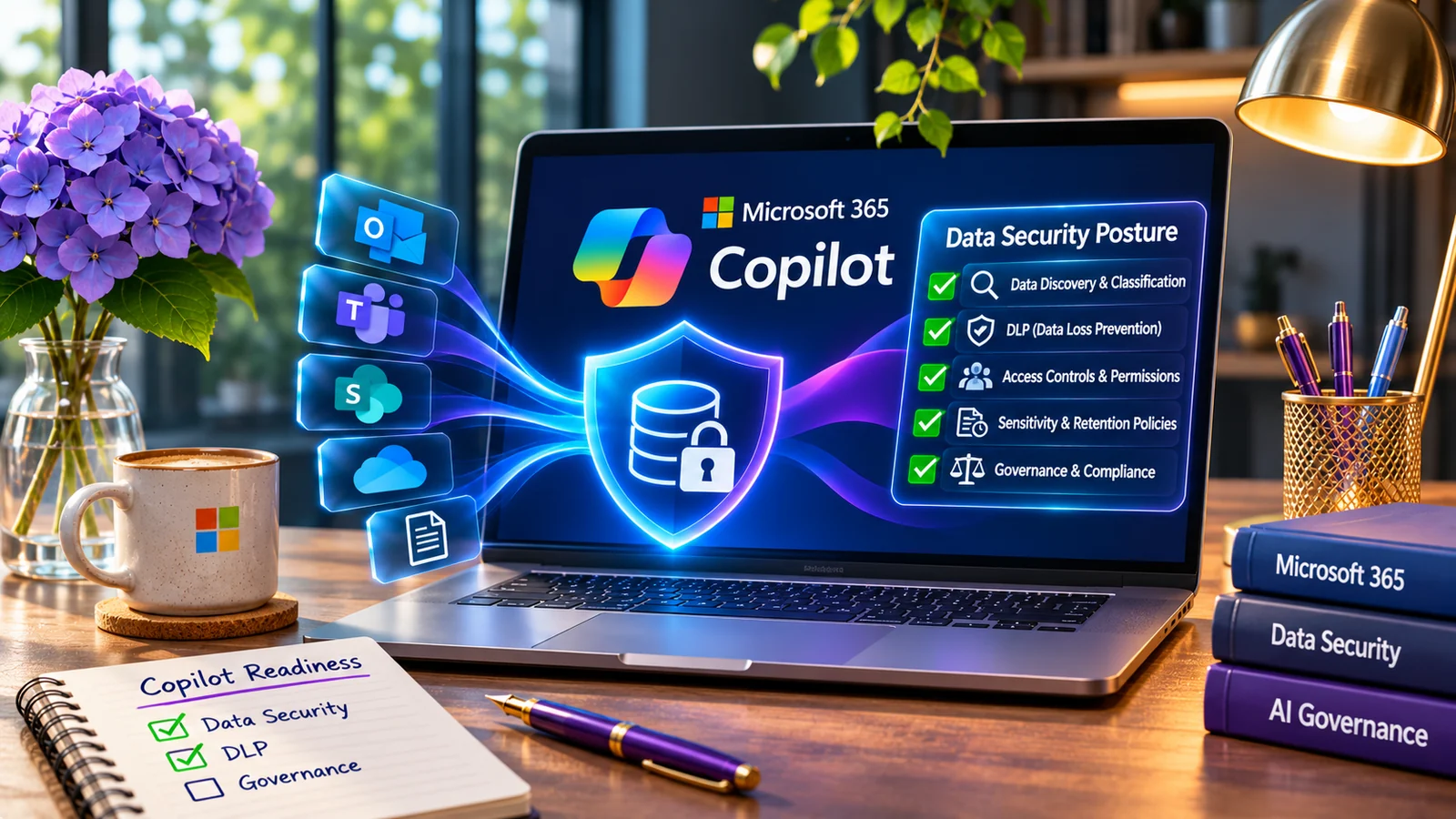
Microsoft 365 Copilot can make employees more productive by helping them find, summarize, and work with information already available to them.
That same capability makes one security question increasingly important:
Are the right people able to access the right data—and only that data?
AI does not create every data-security problem. In many cases, it exposes problems that already existed: overly broad permissions, years of accumulated files, inconsistent sensitivity labels, unmanaged sharing, and sensitive information stored in places security teams rarely review.
Before organizations focus only on securing the AI interface, they should understand the data underneath it.
AI changes the speed of data access
Traditional data exposure can remain unnoticed for years.
A SharePoint site may have broader access than intended. A sensitive spreadsheet may be shared through an old link. A department may have accumulated confidential files in a location available to a much larger group than anyone realizes.
Employees may never discover those files during normal work.
AI-assisted search and summarization can change that dynamic.
When users can interact with large amounts of organizational information more efficiently, existing access decisions become more important. Security teams therefore need to look beyond the question:
“Is Copilot secure?”
A better question is:
“Is our data estate ready for AI-assisted access?”
Start with four practical questions
A useful data-security assessment should answer four basic questions.
What sensitive data do we have?
Organizations should understand where regulated, confidential, proprietary, financial, employee, customer, and other sensitive information exists.
That discovery may involve Microsoft Purview sensitive information types, sensitivity labels, classifiers, Data Explorer capabilities, and other supported data-discovery methods.
The goal is not simply to label everything.
The goal is to understand which information matters most.
Where does the data live?
Sensitive information rarely exists in one controlled repository.
It may be distributed across:
- SharePoint
- OneDrive
- Exchange
- Teams
- endpoint devices
- cloud applications
- file shares
- business applications
- data platforms
Security controls become much harder to operate when the organization does not know where important information is stored.
Who can access it?
Access deserves just as much attention as classification.
A document may be correctly identified as sensitive while still being available to too many users.
Review:
- broad SharePoint permissions
- anonymous or public sharing
- stale sharing links
- large security groups
- inherited permissions
- external users
- overshared collaboration spaces
Data protection is not only about identifying sensitive information. It is also about reducing unnecessary exposure.
How is the data protected?
Once the organization understands the data and access paths, security teams can evaluate whether controls are actually aligned with risk.
That may include:
- sensitivity labels
- encryption
- Data Loss Prevention
- Endpoint DLP
- access controls
- sharing restrictions
- Insider Risk Management
- auditing and investigation workflows
The right combination depends on the organization’s licensing, regulatory requirements, business processes, and supported Microsoft workloads.
Where Microsoft Purview DSPM fits
Microsoft Purview Data Security Posture Management provides a more data-centric way to evaluate exposure.
Rather than looking only at devices or infrastructure, DSPM focuses on the data itself: where sensitive information exists, how it is being accessed, how it is protected, and where risk remains.
For organizations adopting AI, this can provide a more useful starting point than immediately creating dozens of new policies.
The first task is visibility.
The second is prioritization.
Only then should enforcement become the focus.
Do not begin with “block everything”
One of the fastest ways to damage a data-security program is to move directly from discovery into aggressive enforcement.
Imagine turning on a restrictive DLP policy across the entire organization without first understanding normal business behavior.
Suddenly:
- finance cannot complete a legitimate workflow;
- developers cannot move approved files;
- users begin looking for workarounds;
- security receives hundreds of alerts;
- exceptions are added without governance.
Technically, the policy is working.
Operationally, the program is failing.
A more sustainable approach is progressive:
Discover → understand → classify → monitor → tune → enforce → measure.
AI readiness is really data readiness
Organizations sometimes treat Copilot security as a separate project.
It should not be.
AI data security sits on top of many controls organizations already need:
- identity governance
- access management
- information protection
- DLP
- endpoint security
- logging
- insider-risk workflows
- incident response
If those foundations are weak, AI adoption can make the gaps more visible.
If those foundations are mature, AI can be adopted with significantly more confidence.
A practical starting assessment
Before a large Copilot rollout, CYBLU recommends answering a short set of operational questions:
- Where is our most sensitive Microsoft 365 data?
- Which locations are broadly accessible?
- Are sensitivity labels meaningful and actually used?
- Which external-sharing paths exist?
- What DLP policies already exist and what do they cover?
- Are endpoints included in the protection strategy?
- Can security investigate risky data activity when something happens?
- Who owns decisions when legitimate business activity conflicts with policy?
- Are our controls aligned with the Microsoft licensing we actually own?
- How will we measure improvement?
Those questions create a better foundation than enabling controls simply because they are available in the portal.
The goal is not more policies
A strong Microsoft data-security program should not be measured by the number of policies configured.
It should be measured by whether the organization can:
- identify important data;
- understand exposure;
- reduce unnecessary access;
- prevent high-risk movement;
- investigate suspicious activity;
- preserve legitimate business workflows;
- continuously improve protection.
AI makes these fundamentals more important—not less.